For security guards
Keep cameras, access events, watch lists, and door controls in view.
Access control, video, intercoms, and visitor passes for offices and multi-site buildings.
See Lior Core in action ↗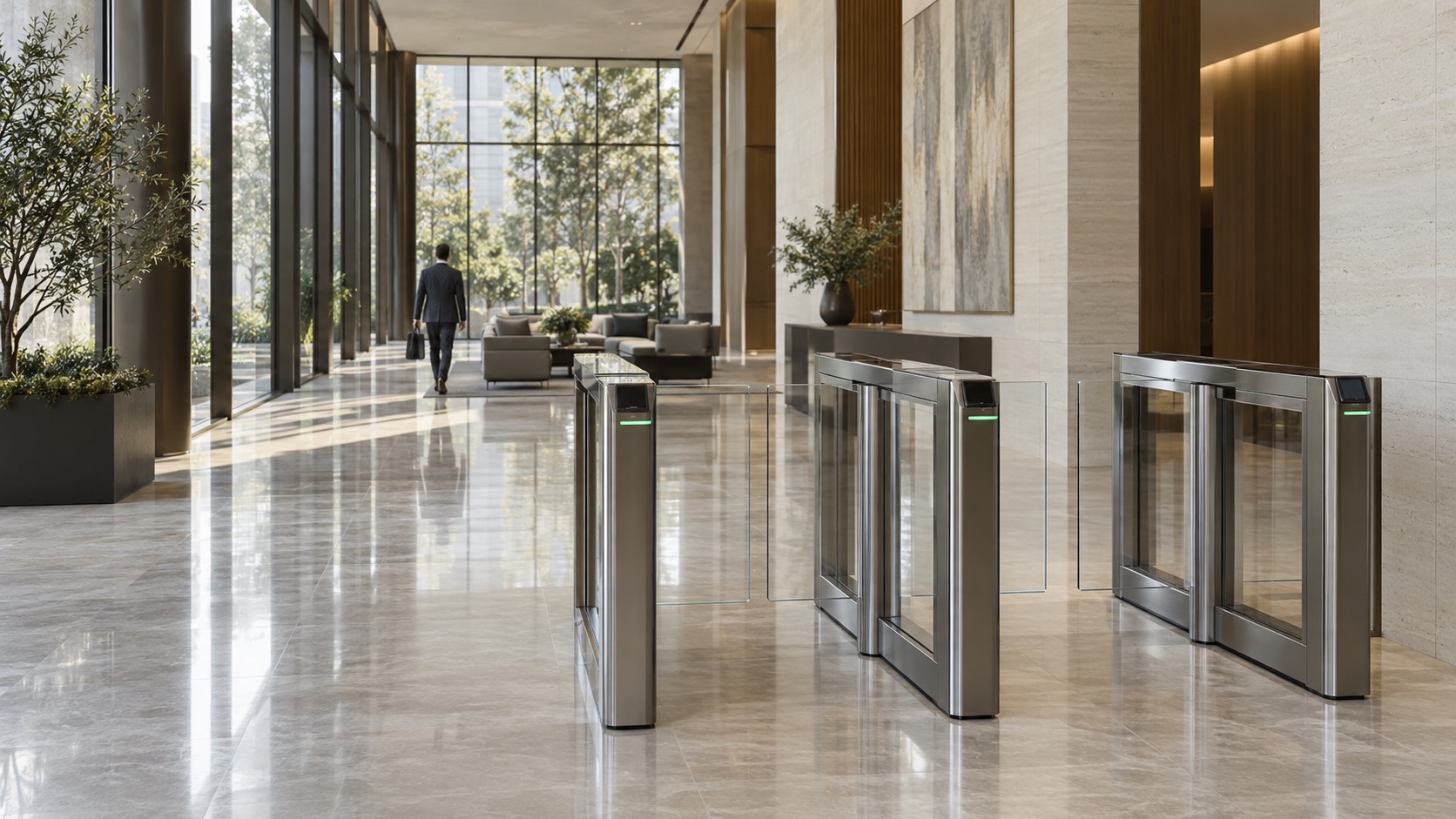
Access, cameras, intercoms, and activity in one customizable dashboard. Arrange the view around your team, across one office or multiple sites.
Keep cameras, access events, watch lists, and door controls in view.
See arrivals and respond to incoming intercom calls from the dashboard.
Manage connected systems across sites with multiple administrators and roles.
Explore example dashboard layouts, open an event, or view a camera.
Bring your locations together in Lior Core. View activity across sites, or focus on an individual office using the site selector. Keep people, permissions, doors, and cameras organized by location.
Entrances · Elevators · Cameras · Intercoms
Entrances · Elevators · Cameras · Intercoms
Connect compatible third-party IP cameras to Lior Vision through Lior Bridge—bringing your existing cameras into the secure cloud.
Reuse your camera investment and reduce the need for replacement hardware. Bring existing camera views into the same platform as access events and building operations.
Discuss your existing cameras ↗Compatible third-party cameras
Your connection to Lior Vision
Connected camera access across sites
An access log tells you what happened. Linked video helps you understand it.
Connect a camera to a door or elevator, then open an event to review its associated recording. Move from an entry in the log to the moment that matters.
Hi Riley, your visitor pass for Meridian House is ready. You're visiting the 4th Floor Suite.
Open it in the browser you'll use during your visit. Your pass binds to the browser that first redeems it.
Visiting the 4th Floor Suite
◇ Redeemed in this browser. The pass cannot be transferred to another browser.
For entrances with a compatible QR reader installed.
Email the invitation. Your guest opens the link, redeems the pass, and accesses assigned doors and elevator floors straight from their browser. No app download needed.
Once redeemed, the pass stays with that browser. Forwarding the link does not transfer access to someone else's browser.
Set a pass for one-time use or a defined access period, with the doors and floors your visitor needs.
Offer a QR code option at entrances equipped with compatible QR readers.
Keep hosts, expected arrivals, on-site visitors, and reporting together in Lior Core.
A familiar experience from the front door to the right floor. Lior Mobile brings credentials, favorite entrances, and access activity together on iOS and Android.
Available for iOS and Android. Recreated iOS interface shown with demo content.Bring intercoms into the same workspace as your access and cameras. Lior Connect brings unit directories, residents, call routing, and call history together.
Bring intercom video, two-way audio, and door controls into your dashboard.
Organize units, residents, and directory dial codes across your sites.
Route calls to the app, then phone, with a record of intercom activity.
Manage employee and visitor access, office entrances, tenant suites, turnstiles, and elevators—from a single office to multiple locations.
Connect residents, visitors, shared amenities, and the front entrance.
Manage doors, gates, storage areas, and staff access across your properties.
Wiegand and OSDP readers · Cards and fobs · Door contacts · Request-to-exit devices · Electric strikes and maglocks
Explore connections for your own tools and team notifications in the Lior Core Apps catalog.
Webhooks, Slack, and Microsoft Teams are examples listed in the platform. Contact us to confirm availability and setup for your deployment.
Tell us what you’d like to connect ↗Access and device events for your own systems
Access, door, and controller alerts in a channel
Event notifications through webhooks or Workflows
Installers, integrators, and technology providers: let’s bring connected access, video, and intercoms to more buildings.
Talk to us about partnering ↗Connect with our team to explore working together.LiorCore is a cloud access control platform that brings doors, elevator access, cameras, intercoms, and visitor passes into one customizable dashboard.
LiorCore supports offices, commercial buildings, residential properties, and teams managing multiple sites. Reception, security, and administrators can arrange dashboards around their roles.
Lior Mobile provides assigned access and credential details on iOS and Android. Guests can use an emailed browser visitor pass without installing an app, with one-time access or a defined visit period.
Compatible third-party IP cameras can connect through Lior Bridge. Reader and controller compatibility, including OSDP or Wiegand configurations, must be confirmed for the installation.
Manage office doors, elevator floors, credentials and access schedules with LiorCore. Bring multiple sites into one customizable dashboard.
Explore Lior Access ↗Email visitor passes for assigned doors and elevator floors. Guests redeem access in their browser, with one-time or time-limited passes and optional QR entry.
Explore visitor access ↗Connect compatible IP cameras to Lior Vision through Lior Bridge. View cameras alongside access activity and review recordings linked to doors and elevators.
Explore Lior Vision ↗Explore cloud-based access control for offices, doors and elevators. Plan card readers, electric door strikes, maglocks, visitor passes and multi-site access.
Explore use cases ↗Tell us about your property and the systems you want to connect.
Complete the form to prepare an email to our team. Your email app opens with the details; you review and send it.